
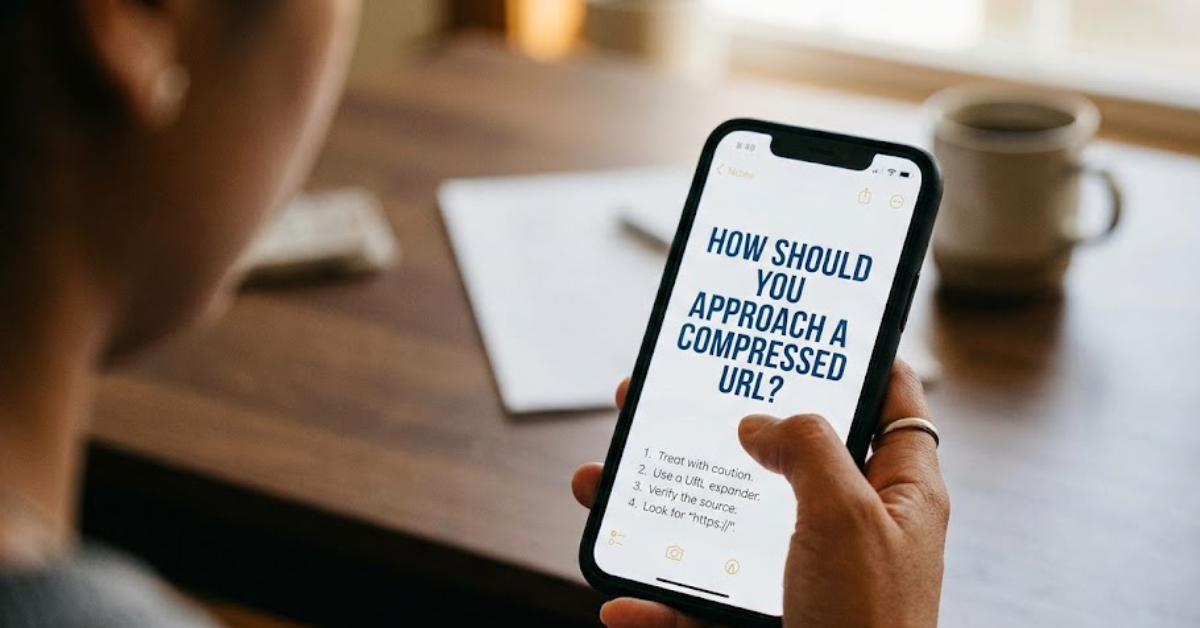
If you’ve ever received a shortened or compressed link and paused before clicking, you’re already doing something smart. The question how should you approach a compressed URL is more important today than ever, especially with the rise of phishing scams, malicious redirects, and hidden tracking links.
Compressed URLs (like bit.ly or tinyurl links) are designed to make long web addresses shorter and easier to share. But because they hide the full destination, they can also be used to disguise unsafe websites. In this guide, we’ll break down how to safely evaluate them before clicking.
What Is a Compressed URL?
A compressed URL is a shortened version of a long web address.
Example:
- Long URL: https://www.example.com/articles/security/how-to-stay-safe-online
- Compressed URL: https://bit.ly/xyz123
The main purpose is convenience, but the hidden destination creates risk if not checked carefully.
How Should You Approach a Compressed URL?
When asking how should you approach a compressed URL, the answer is simple: treat it with caution and verify before clicking.
Here’s a safe approach step-by-step:
1. Don’t click immediately
The first rule is to pause.
- Avoid impulsive clicking
- Especially if the link is from an unknown sender
- Be extra cautious in emails or social media messages
2. Check the source
Ask yourself:
- Do I know the sender?
- Was I expecting this link?
- Does the message feel suspicious or urgent?
If anything feels off, don’t click.
3. Use a URL preview tool
Many services allow you to expand shortened links safely.
Examples include:
- Bitly preview feature
- CheckShortURL services
- Browser security tools
These tools reveal the full destination before you open it.
4. Look for red flags
Before interacting with a compressed URL, watch for warning signs:
- Strange or misspelled domains
- Random strings of characters
- Offers that seem “too good to be true”
- Urgent messages like “click now or lose access”
5. Hover before you click (on desktop)
On computers:
- Hover your mouse over the link
- Check the preview URL in the browser corner
- Look for mismatched or suspicious domains
6. Use antivirus or browser protection
Modern browsers often include safety features:
- Google Safe Browsing
- Microsoft Defender SmartScreen
- Antivirus web protection tools
These can block harmful compressed URLs automatically.
Why Compressed URLs Can Be Risky
While not all shortened links are dangerous, risks include:
- Phishing websites stealing login data
- Malware downloads
- Fake login pages
- Tracking without consent
- Redirect chains hiding final destinations
This is why careful checking matters.
Safe Habits for Handling Short Links
To stay protected online, follow these habits:
1. Verify before clicking
Always confirm the sender and context.
2. Avoid unknown sources
Don’t trust links from strangers.
3. Use security tools
Browser extensions can preview or scan links.
4. Keep software updated
Security patches help block malicious URLs.
When It’s Safe to Click a Compressed URL
A shortened link is generally safer when:
- It comes from a trusted organization
- You were expecting it
- It has been previewed or verified
- It passes security checks
Even then, caution is still wise.
Common Mistakes People Make
Avoid these risky behaviors:
- Clicking without checking
- Trusting unknown senders
- Ignoring browser warnings
- Sharing sensitive information after clicking
Frequently Asked Questions
What is a compressed URL?
It is a shortened web link that redirects to a longer website address.
How should you approach a compressed URL safely?
You should verify the source, preview the link, and avoid clicking if it looks suspicious.
Are compressed URLs dangerous?
Not always, but they can hide malicious websites, so caution is needed.
How can I check a shortened link?
You can use URL preview tools or online link expanders.
Why do people use compressed URLs?
They make long links easier to share and track.
Conclusion
Understanding how should you approach a compressed URL is essential for staying safe online. While shortened links are convenient, they can also hide risky destinations. The safest approach is simple: pause, verify, preview, and only click when you trust the source.
By building these habits, you reduce the risk of phishing attacks, malware, and unwanted tracking. In today’s digital world, a moment of caution can save you from major security problems.